




A Travel Movie Screen That Fits in Your Bag: XREAL 1S
XREAL 1S is a way to watch a film on a virtual screen without carrying a freestanding display. It makes most sense when you already travel with a compatible phone, tablet or laptop. Before adding it to your bag, check the source device, the full cable and adapter setup, and whether the glasses fit your eyes comfortably.

Pack the whole setup, not just the glasses
The XREAL 1S specifications list an 82 g glasses weight. That is not the weight of your travel kit: add the case, cable, source device and any adapter or charging equipment you need. A pair of glasses can reduce the space devoted to a separate screen, but it does not replace the device that stores or plays your films.
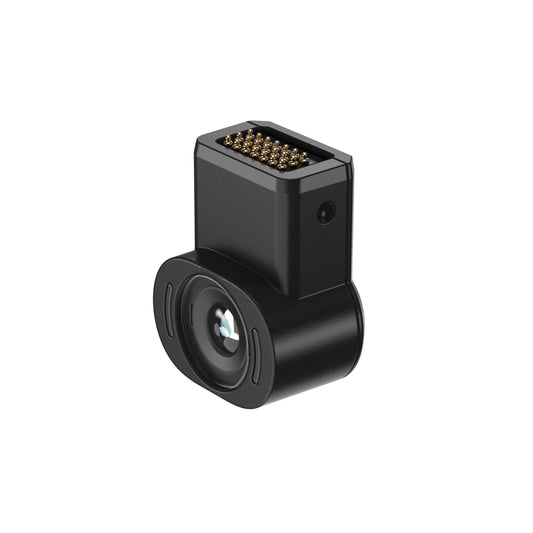
Check your source device's video-output specification. XREAL's connection guide requires a compatible DisplayPort output and power supply; the presence of USB-C alone is not enough. If an adapter is needed, verify its exact compatibility and power requirements before departure. Try your preferred film app through that complete connection, since successful video output from one app does not prove that another service will play protected content.
What the “500-inch” screen actually means
XREAL describes a maximum virtual screen size of 500 inches for 1S, adjustable through the on-screen menu. This is an apparent screen-size setting, not a physical panel in your luggage. It also does not mean that increasing the size adds pixels or makes every subtitle sharper.
Start with the opening credits and a subtitled scene. Adjust the picture until you can read the text and follow the action comfortably. The most useful setting on a long trip may be smaller than the largest advertised image. The 1S display details list Sony Micro-OLED panels, 1200P resolution and up to 120 Hz refresh; the movie source still determines the content you see.
Prepare a film before leaving
- Confirm that your chosen service permits downloads and external playback on your exact device. Download the film where permitted, then test it with the glasses while offline.
- Adjust the nose pads and temples before packing. Check the edges of the picture as well as its centre; a fit problem can be easy to miss on a simple home screen.
- Try Anchor and Follow modes. 1S provides these display modes through its X1 chip, but your preferred mode can change with your posture and surroundings.
- Rehearse charging if the trip will outlast the source device's battery. Choose equipment explicitly compatible with video output and charging together.
- Set a considerate audio level. 1S includes Sound by Bose; it does not isolate sound like a sealed pair of headphones. If you want personal audio, test compatible headphones with the source device.
This rehearsal is more valuable than carrying extra adapters “just in case.” It tells you which parts you need and which can stay at home.
Where a tablet still makes more sense
A tablet is often simpler for sharing a film with another person, handing the device to a child, or checking travel information frequently. Display glasses serve the wearer; they are not a shared hotel-room television. If you cannot find a comfortable fit or your source device needs an inconvenient adapter arrangement, keeping the tablet screen may be the better travel choice.
For a solo traveller who wants a larger personal picture while seated, 1S offers adjustable viewing without a separate screen stand. Use it when the setting allows you to stay aware of announcements and instructions, and remove it before walking. On a flight, follow the crew's rules for electronic devices.
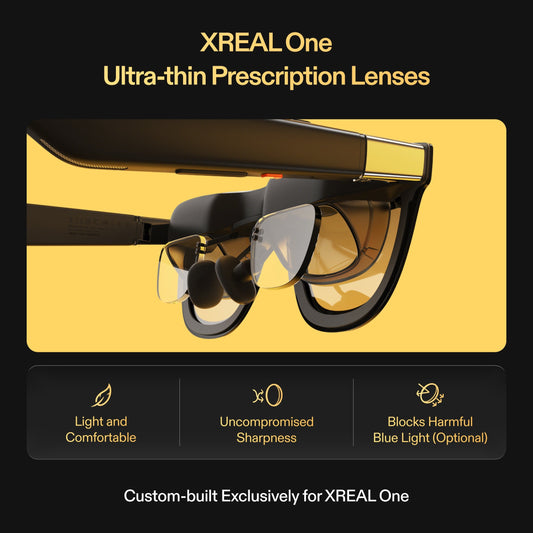
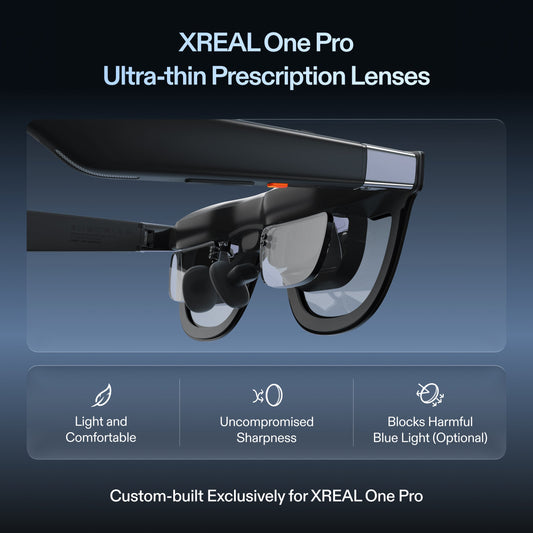
Before purchasing, compare the complete kit with what you already carry. Check prescription options if needed and read the local return policy so you know how you can evaluate fit. See the XREAL 1S configuration and current purchase options in the Canadian store.