




XREAL vs Ray-Ban Meta: Personal Screens or Camera Glasses?
Display glasses let you watch content from another device; camera glasses let you capture what is in front of you. XREAL One Pro is a display-first choice for a personal movie, game or computer screen. Ray-Ban Meta Gen 2 is a camera-and-audio choice for hands-free capture, listening and supported Meta AI features. Start with the activity you want the glasses to serve.

Do you want to watch a scene or capture it?
On a long seated journey, a personal screen can be useful for the film on your phone or the game on your handheld. One Pro takes the content from a compatible source and presents a virtual display through the glasses. Its Sony Micro-OLED display and native X1 spatial modes are built around that viewing task; the phone, console or computer still runs the content.
For an outing, the useful task may be recording a moment while keeping your hands free. Meta describes Ray-Ban Meta Gen 2 around hands-free camera capture, open-ear audio and Meta AI features. That camera/audio model has no in-lens display for watching your laptop or movie. It can fit an everyday capture-and-listening routine even when a personal screen is not something you need.
The distinction explains why two products can both be called smart glasses and still belong on different shopping lists.
How the two models fit into a day
| Your activity | XREAL One Pro | Ray-Ban Meta Gen 2 |
|---|---|---|
| A film, game or laptop session | Virtual display supplied by a compatible source device | Camera/audio model without an in-lens display |
| Positioning a personal picture | Native Anchor, Follow and Ultrawide modes through X1 | Designed around camera/audio and supported AI interactions |
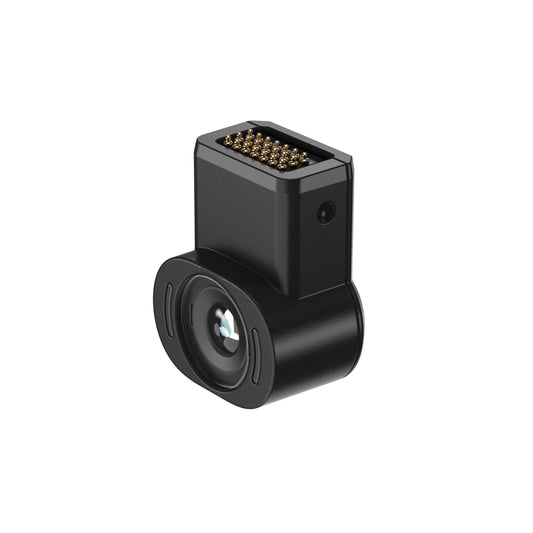
| Capturing an outing | XREAL Eye is a separate accessory; check its source and workflow requirements | Hands-free camera is a central feature |
| Listening | Integrated Sound by Bose | Open-ear audio |
| Setting up before purchase | Check source video output, power, optical fit and required accessories | Check phone/app requirements and the regional feature list |
Meta Ray-Ban Display is a third, separate product. It has an in-lens colour display and Neural Band for short everyday interactions. If that is the model you are considering, use its own feature list: the camera/audio Gen 2 comparison above does not describe it.
What One Pro adds to a viewing setup
The One Pro product page lists a 57-degree field of view, a standard virtual screen equivalent up to 171 inches, and Ultrawide reaching 310 inches. These figures belong to this model. Choose the picture size using real content: subtitles, a game's inventory or the text in your normal work application.
Anchor keeps screen orientation fixed as you turn your head, while Follow moves the picture with your gaze. Ultrawide offers a wider desktop canvas. If your work specifically needs several independent monitors, check the exact software and hardware arrangement separately; one wider canvas and multiple displays are different requirements.
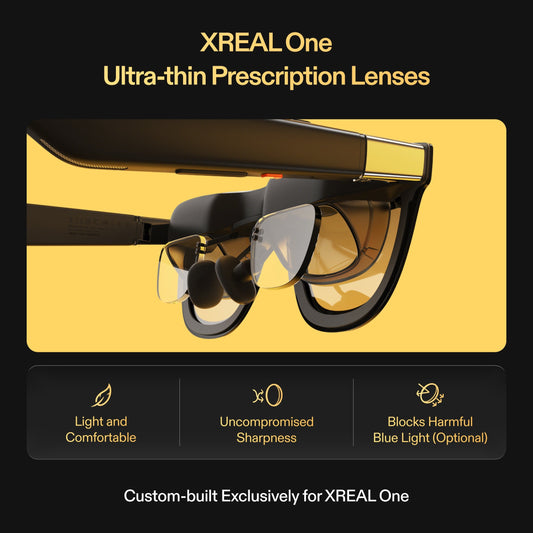
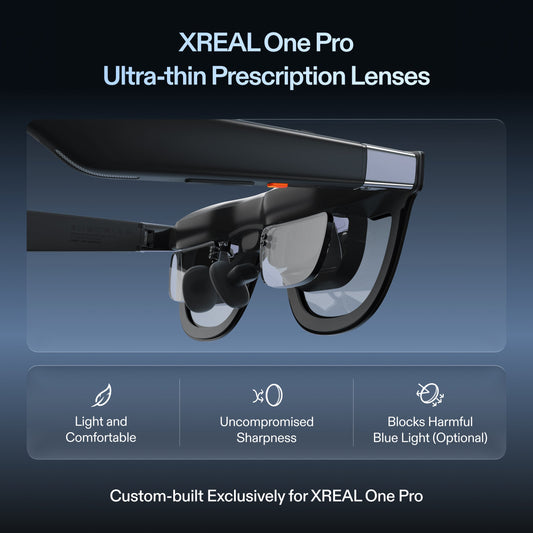
One Pro also includes Sound by Bose. For a shared room or public transport, keep the volume considerate or test compatible personal audio through your source. The frame comes in IPD sizes covering 57–66 mm and 66–75 mm; select the appropriate range and check prescription options if you need them.
Build the screen connection around your device
XREAL's connection guide requires suitable DisplayPort video output and power. Check the exact phone, computer or gaming device: a USB-C charging port alone is not proof of a video signal. Include any supported adapter and charging arrangement in the kit you compare.
Test the application you plan to use through the complete connection. For work, include your keyboard and pointing device in that trial. For movies, check your chosen service's external-display support. One Pro changes the viewing format while the source remains responsible for playback and applications.
Which activity would you use most often?
One Pro is the relevant choice when you want a personal picture for seated films, games or compatible computer work and the optical fit suits you. A camera/audio model is relevant when hands-free capture and everyday listening matter more to you. For Ray-Ban Meta Gen 2, check supported features for your exact phone, language and country before making that choice.
Buy through the correct regional store and compare its current currency, total checkout cost and local return terms. Those checks matter more than an old launch price or a comparison that mixes product generations. Explore XREAL One Pro sizes and options in the Canadian store.